
Accessible Design | Hardware Product Design | User-Centered Design
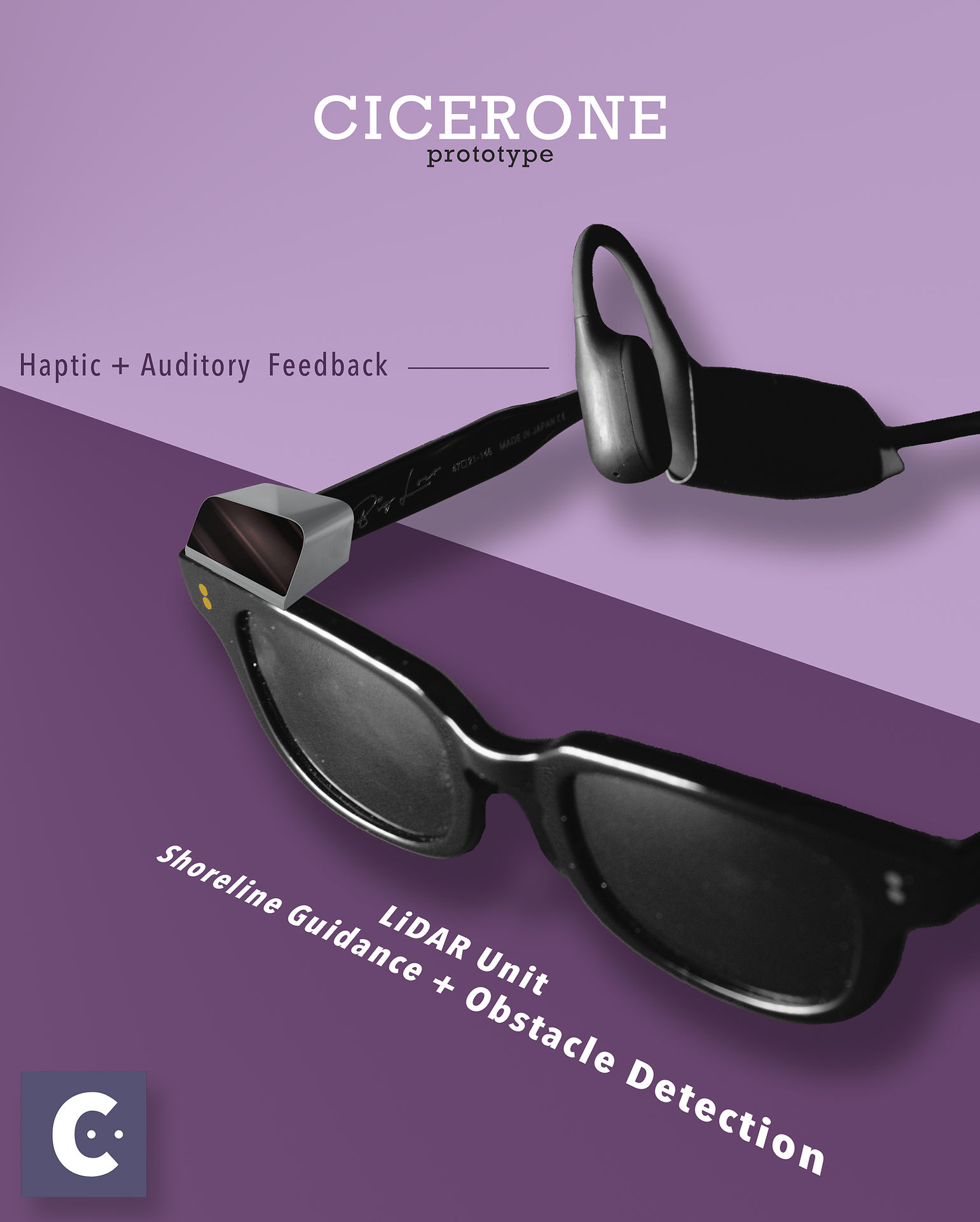
Cicerone is a haptic wearable navigation wayfinder headset prototype that helps blind and visually impaired individuals to walk in straight lines effortlessly and to reach destinations independently
Role: Lead Prototyper, Product Designer — spatial audio, haptic wayfinding cues, live Wizard-of-Oz test control
Team: 4-person UW HCDE team — I owned prototyping & hardware
Duration: 3 months, late 2022
Project Type: User-Centered Design Class Project at UW
The Problem
“How can we facilitate those with visual impairments or blindness to navigate their preferred routes efficiently and engage seamlessly with their social circles?”
—
Project Summary
Cicerone is a class project for the User-Centered Design course in UW’s Human Centered Design & Engineering program.
The prompt for this project is “Back to a Future Life Together,” which asked us to design a non-app or website that enables people to “do life together.”
The team conducted the work in Seattle, WA, and there were several participants from other states and overseas.
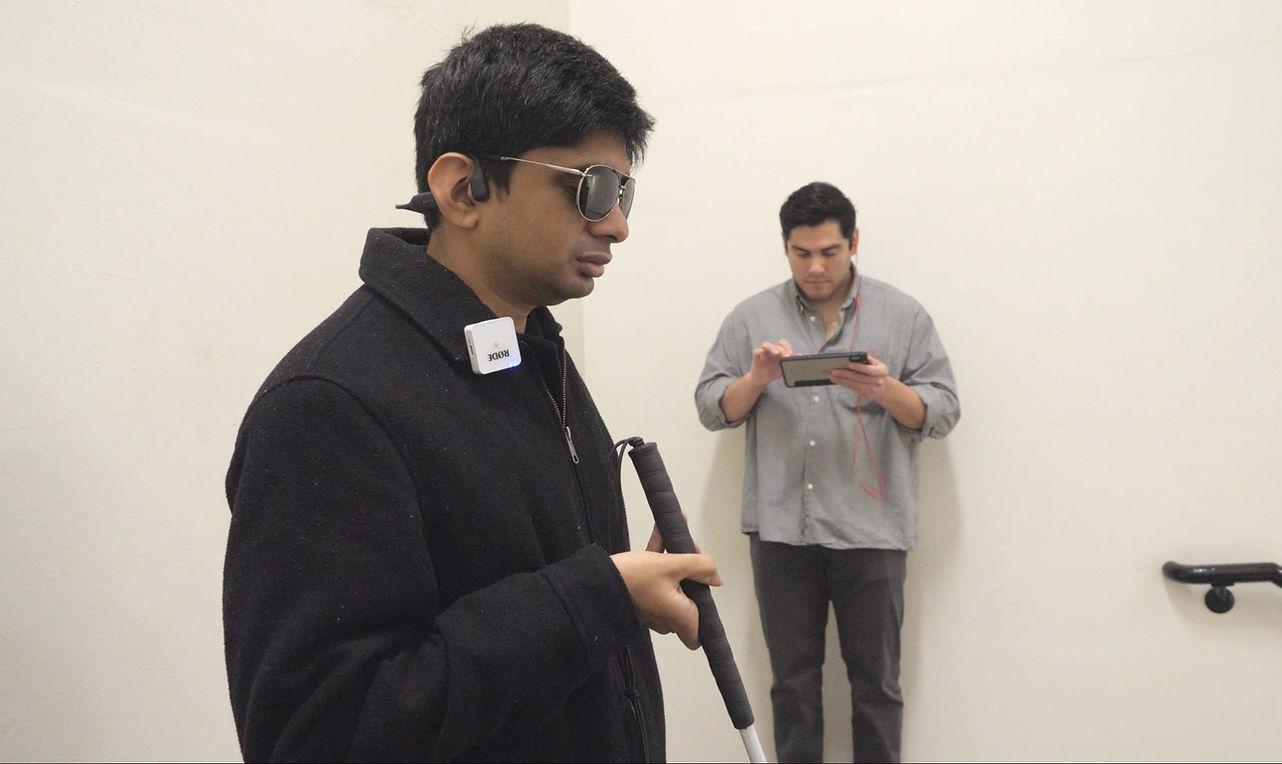
In the concept, a LiDAR unit scans the surrounding environment, and Cicerone deploys auditory + haptic feedback to help blind or low-vision users to walk on stairs more safely and confidently.
—
Solution
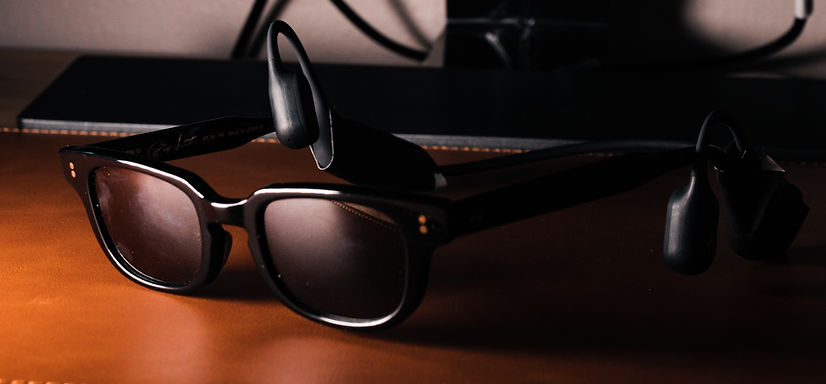
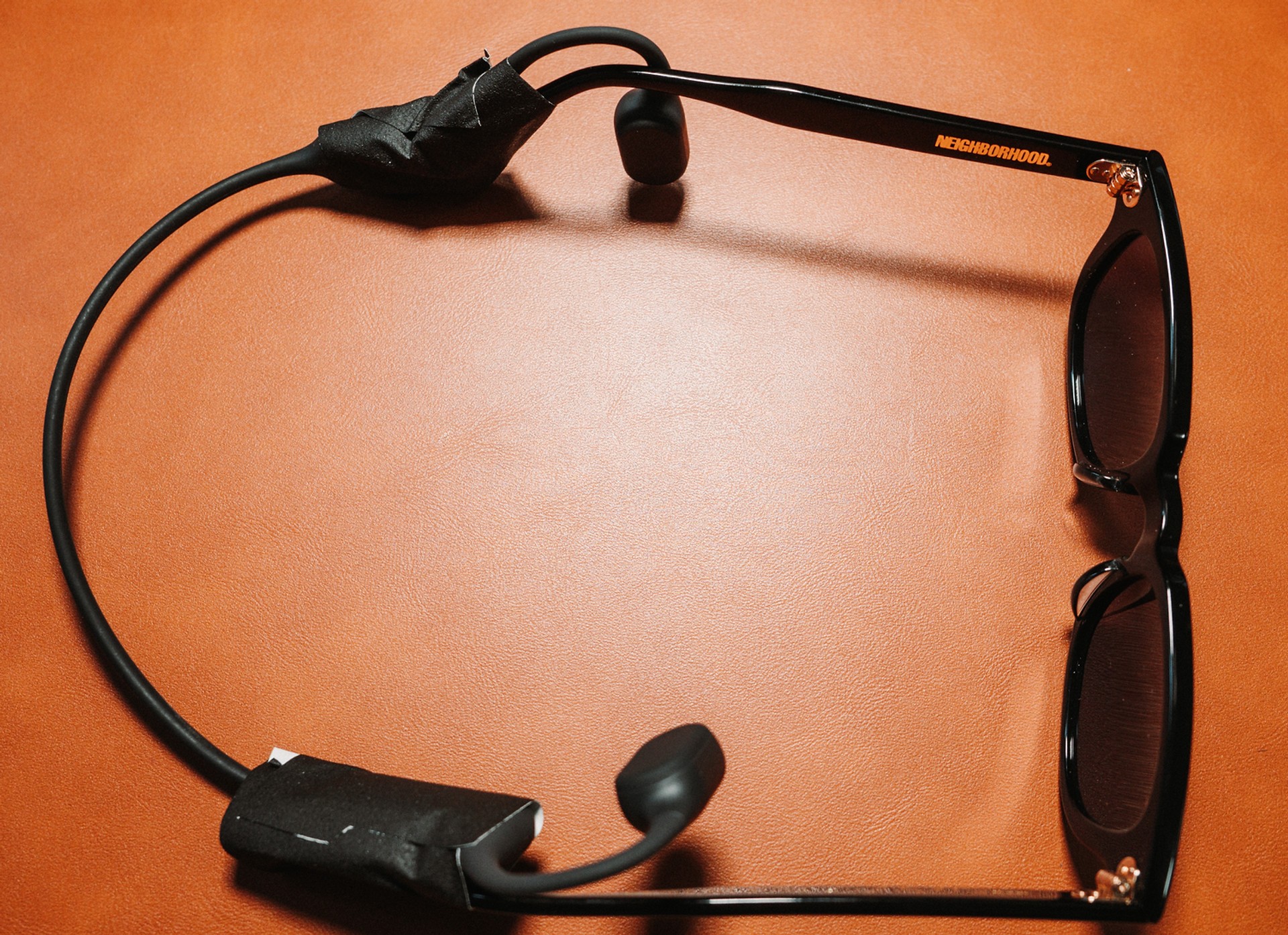
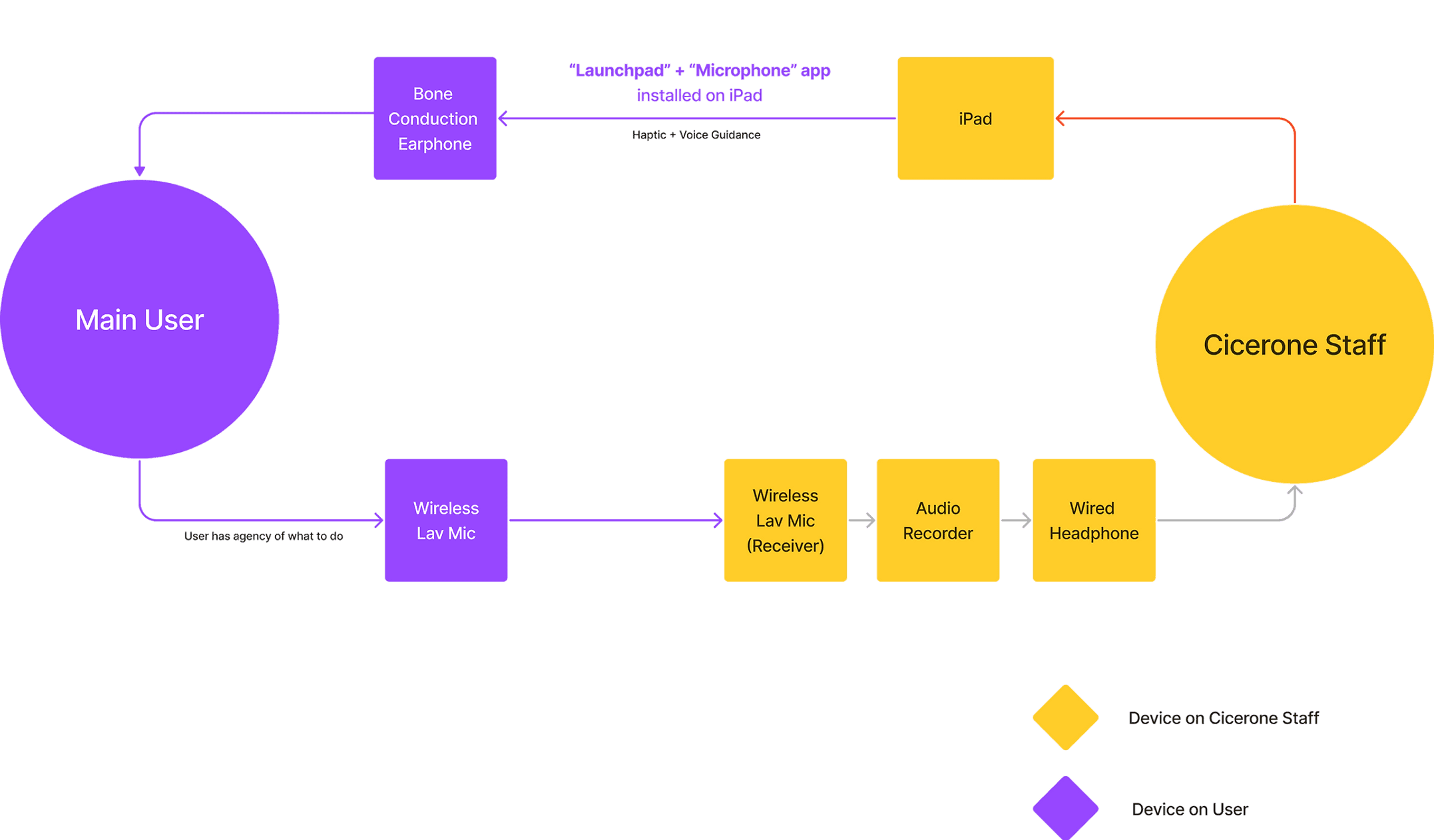
Our team designed a “Wizard of Oz” high-fidelity prototype powered by a bone-conduction headphone, a tablet-controlled MIDI controller, a set of wireless lavalier microphones, and a teammate who played the AI live, speaking through the headphone.
The system complements existing assistive tools like the white cane, online map apps, and the accessibility features built into modern smartphones.
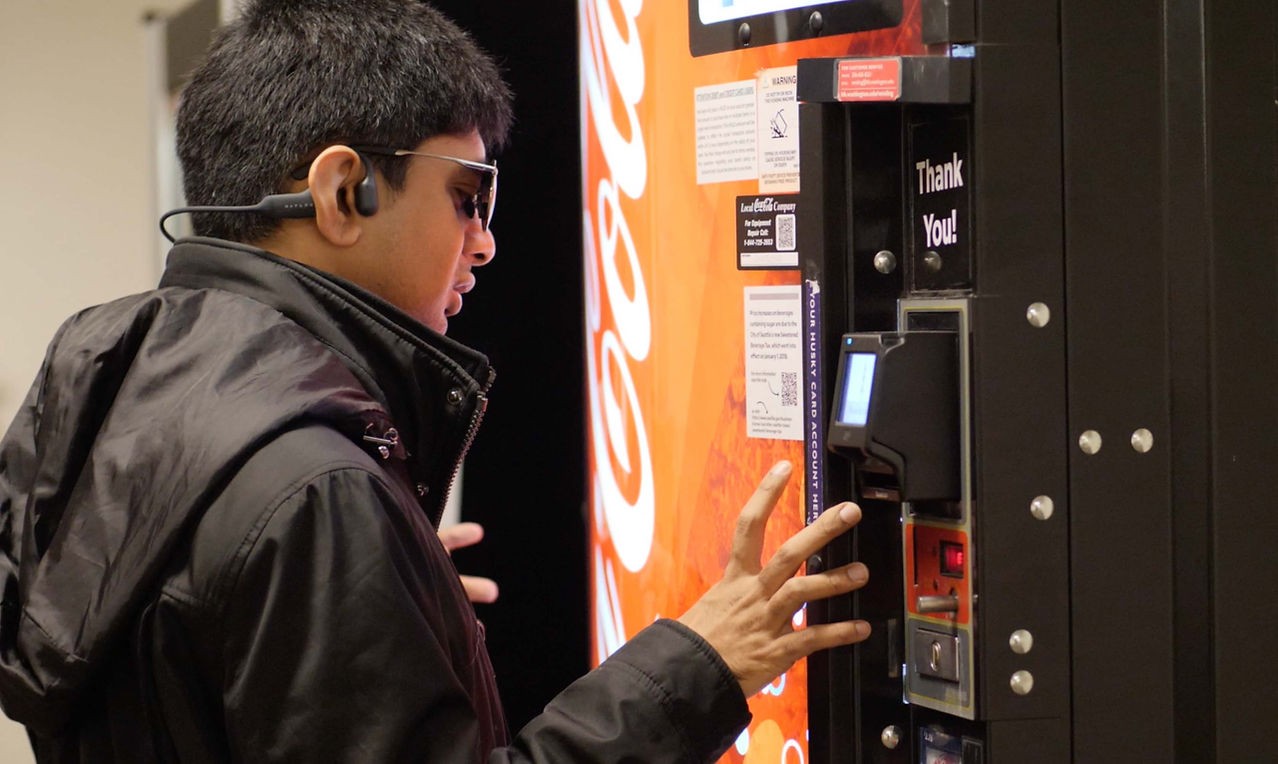
In the concept, a camera reads text on objects when the user asks by voice. In testing, a teammate read it aloud.
—
Stakeholders
Our primary users are blind and visually impaired individuals.
We also explored how service dogs, helpers, people on the street, and video call services (Aira / Be My Eyes) can be potential stakeholders for our design.
The study at a glance
blind and low-vision participants tested the prototype
types of analog or assistive tools each participant uses or has tried, on average
test environments, from an indoor hallway to a multi-level building
Research Goal
Leveraging various methodologies to learn about users’ pain points and needs, and to translate those insights into design opportunities.
Research Methods
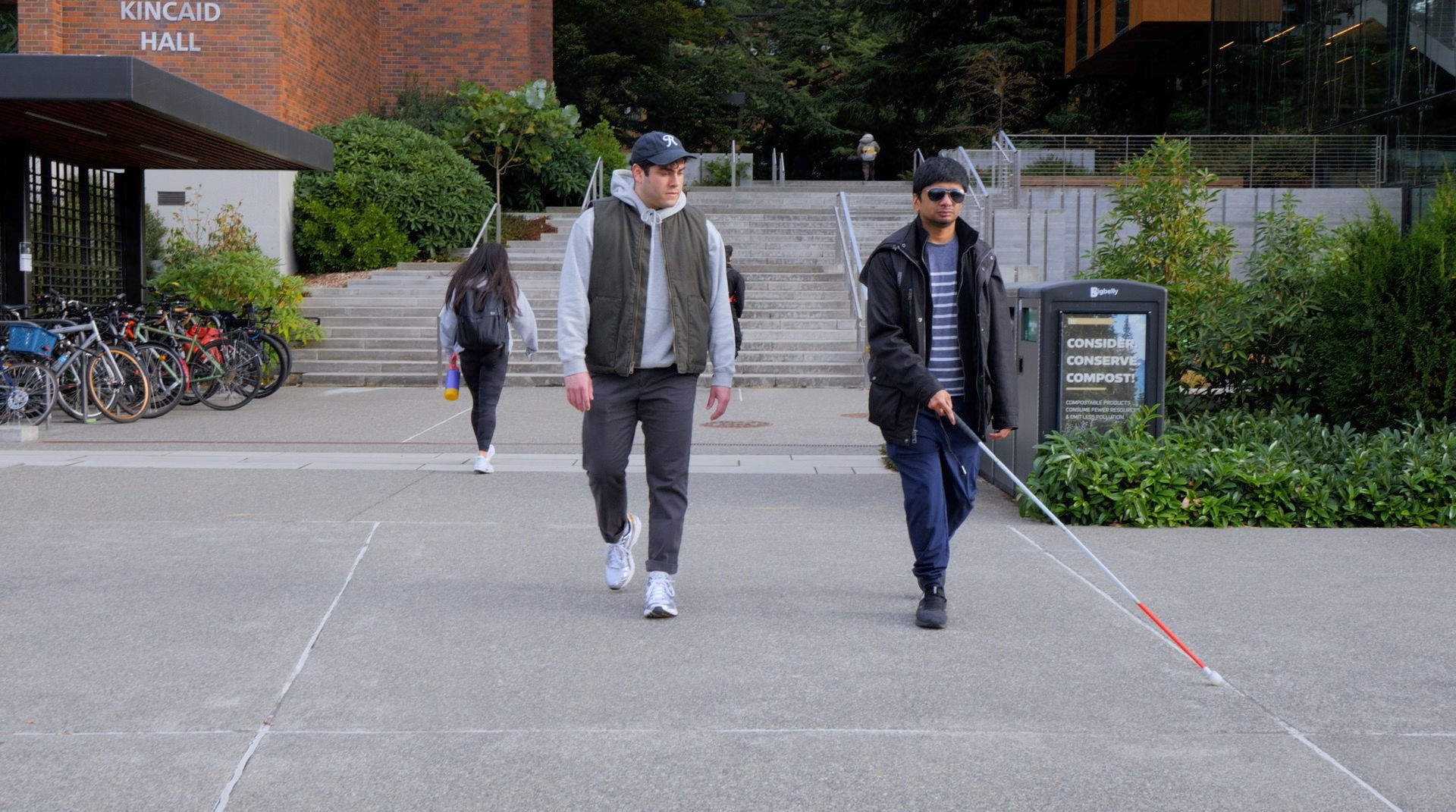

Survey

Interview

Narrative
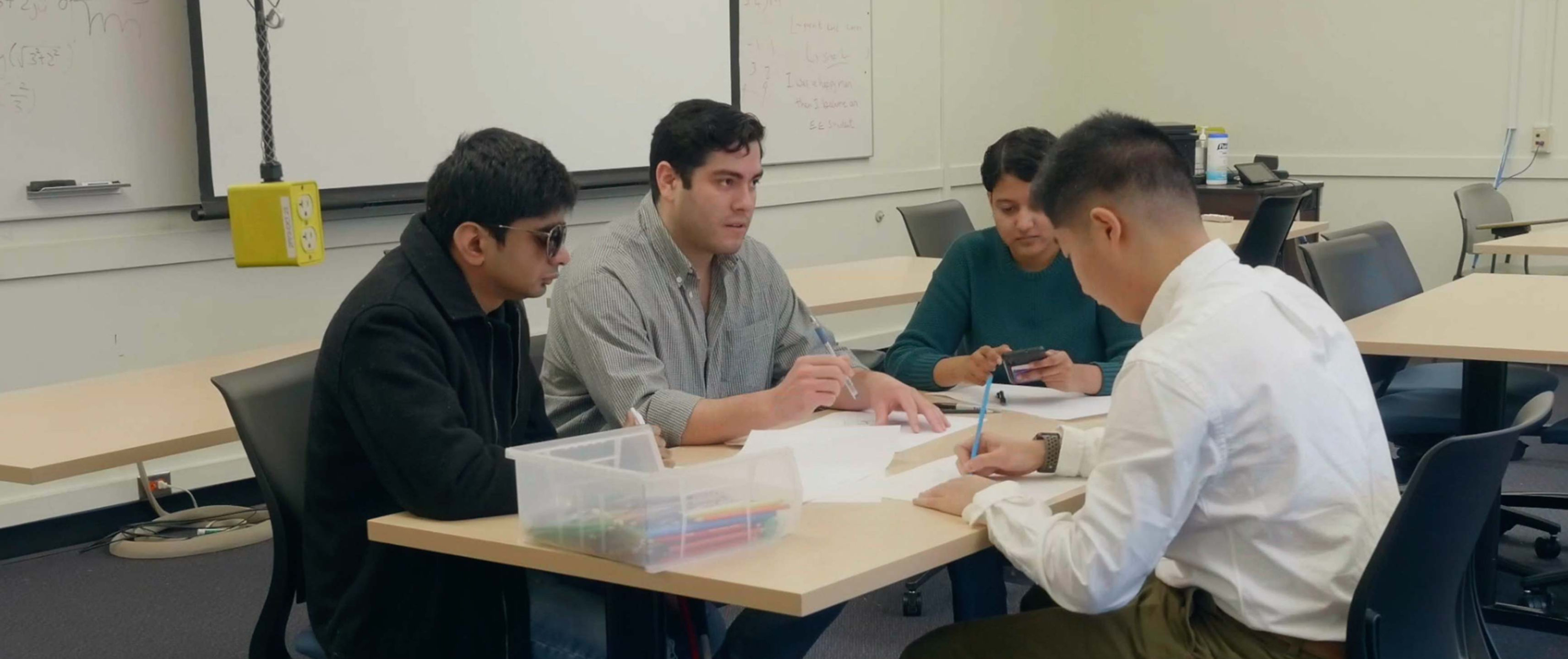
We hosted 2 co-design sessions with a blind participant, and this process made sure Cicerone’s solution is designed with the users’ routine in mind.
Research Findings
Haptic Feedback
All participants mentioned that current tools lack haptic feedback.

“Last-mile” problem
All participants mentioned that current navigation tools do not provide granular details such as distinguishing between two storefronts or the exact room one wants to enter.

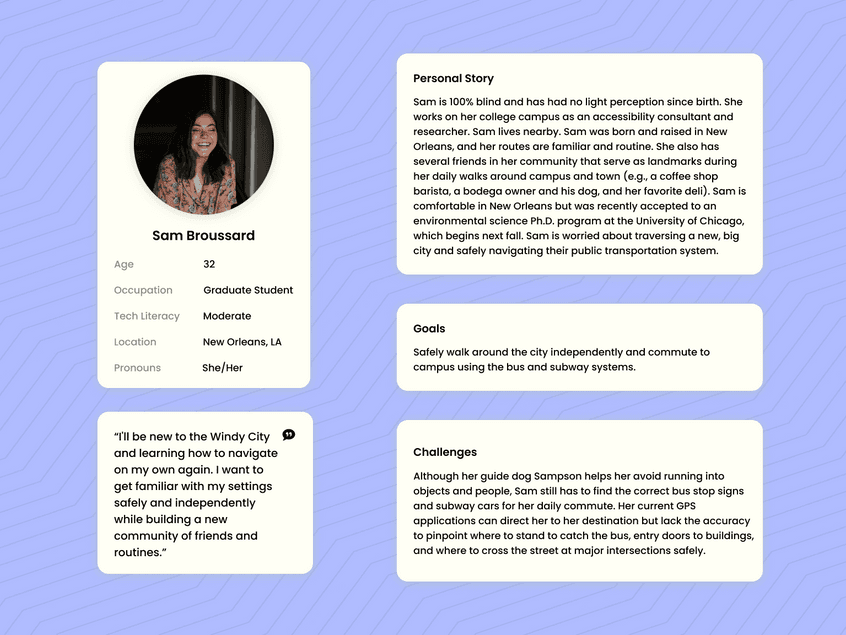
Personas
Background
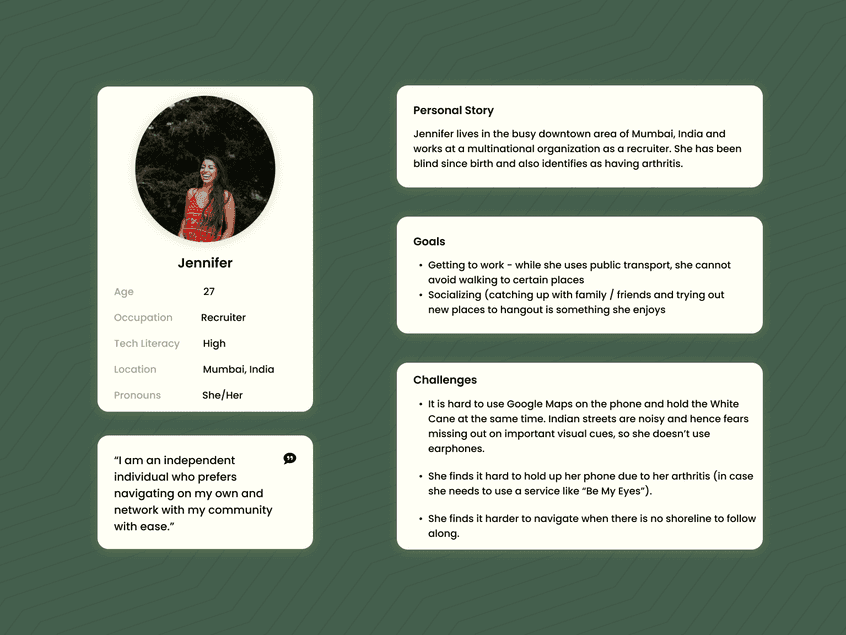
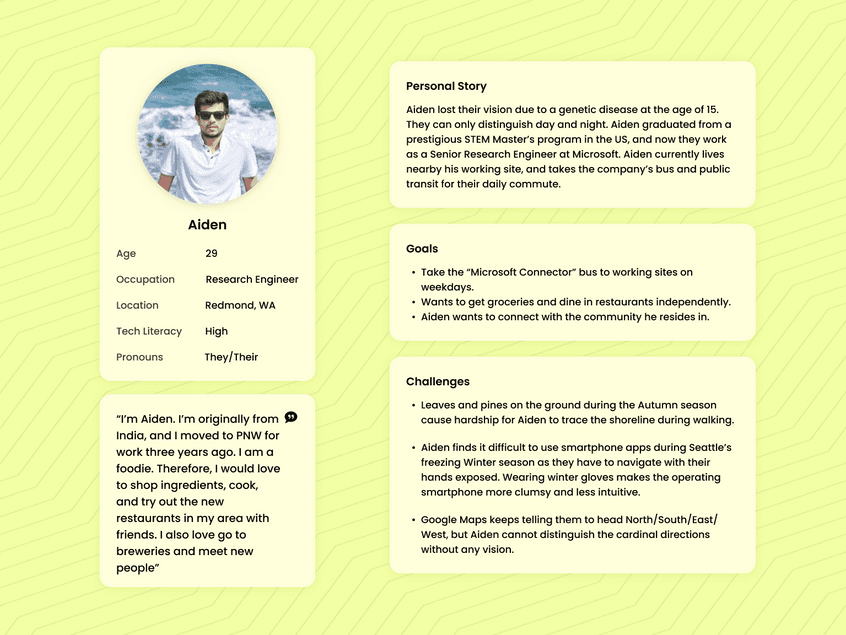
Emerged from interviews and narrative research. We designed our device to help users throughout their daily lives while prioritizing their safety.
Although we examined the goal and role-directed desires for each of our fictional personas, we also humanized them.
We would often refer back to them and ask ourselves, “what would Sam think of this new iteration? This still helps her on her way to school, right?”
Constraints
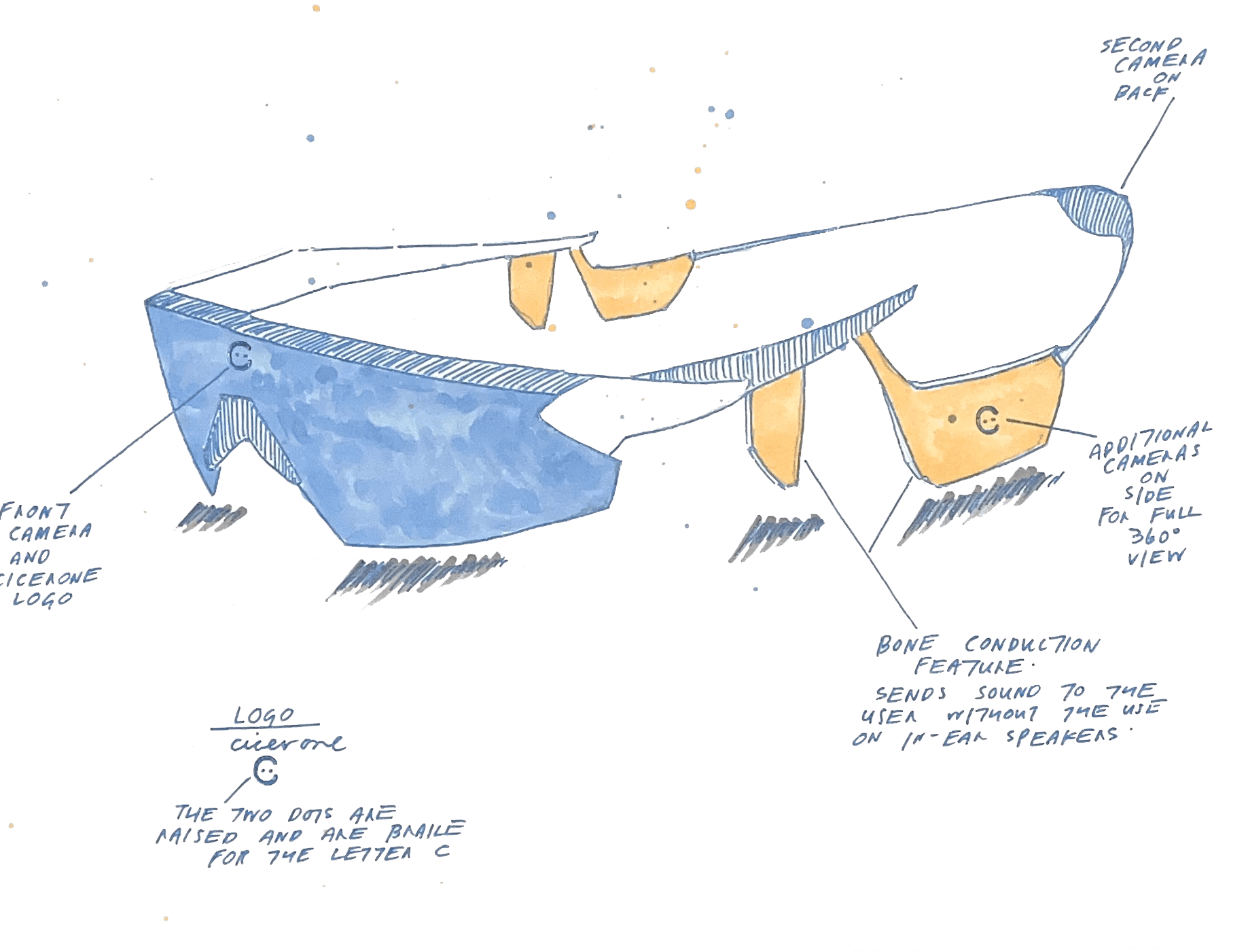
Design sketches
—
Remain low in intrusion & interference in users’ daily lives, and complementary to existing assistive technology
Provide the safest path, not the quickest
Provide haptic feedback for obstacles
Include accurate turn-by-turn guidance, especially for last-mile navigation and spaces where there is no shoreline (such as the edge of a sidewalk) to follow
Take the impact of noise levels in outdoor environments into consideration, so that users can hear the guidance clearly regardless of the environment
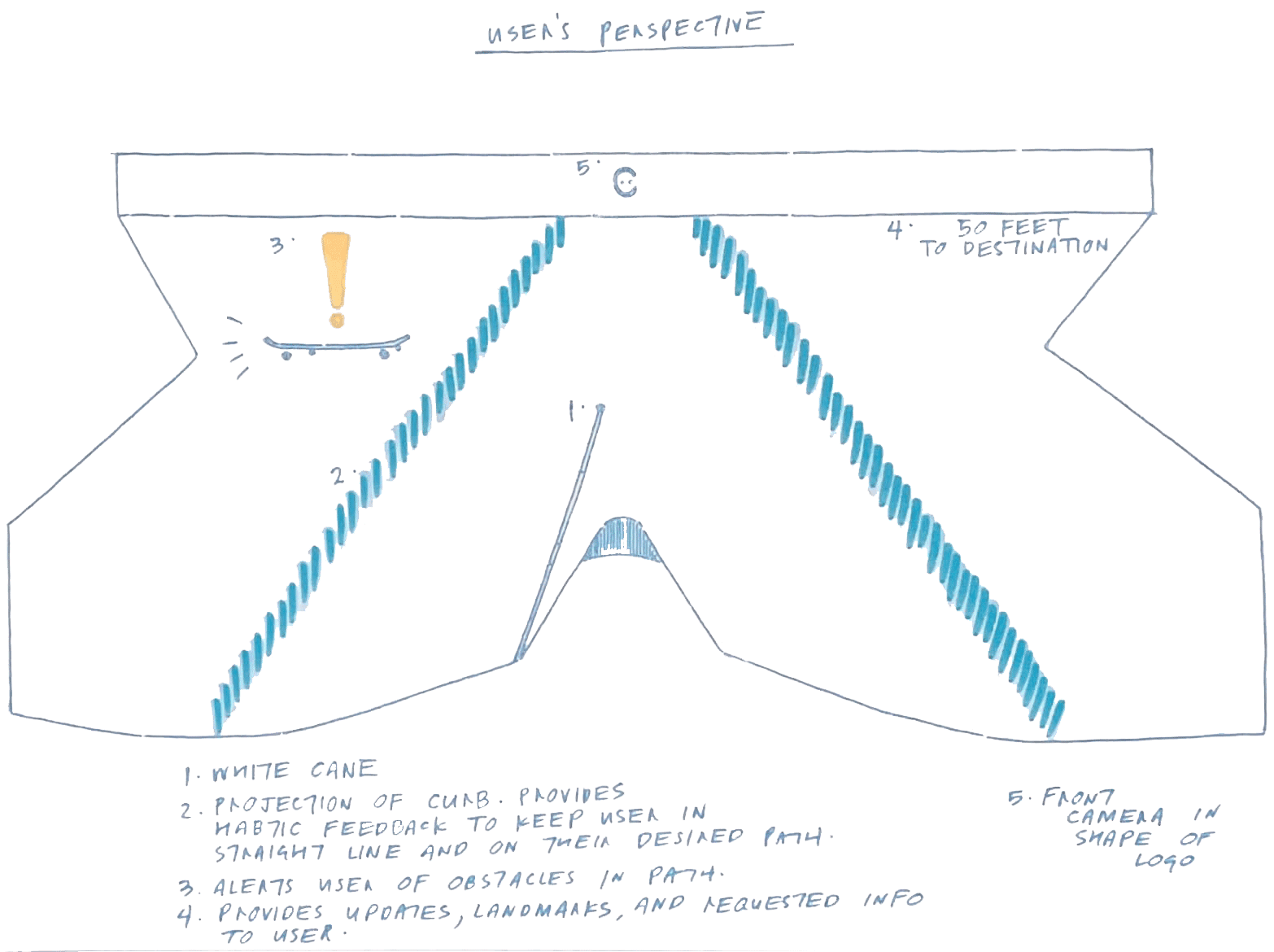
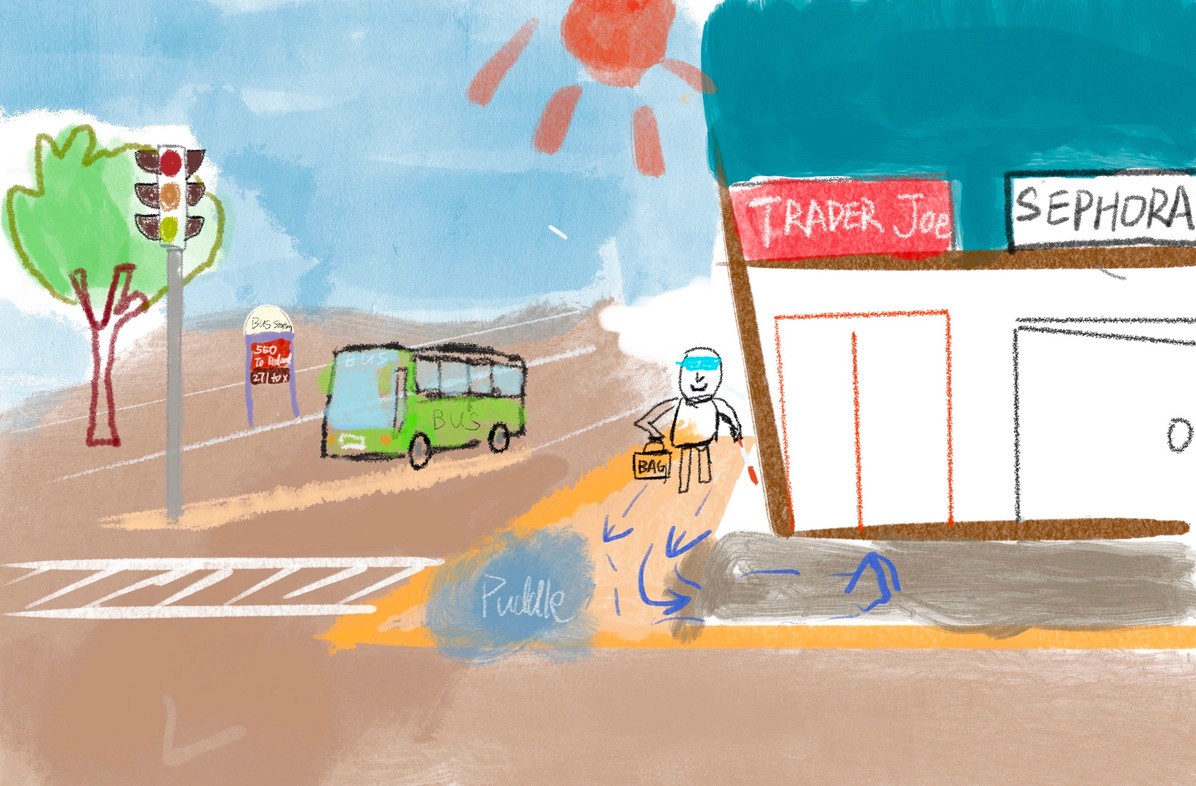
Sketching out scenarios before prototyping
Visualize and communicate how users could interact with the product in a real-world context.
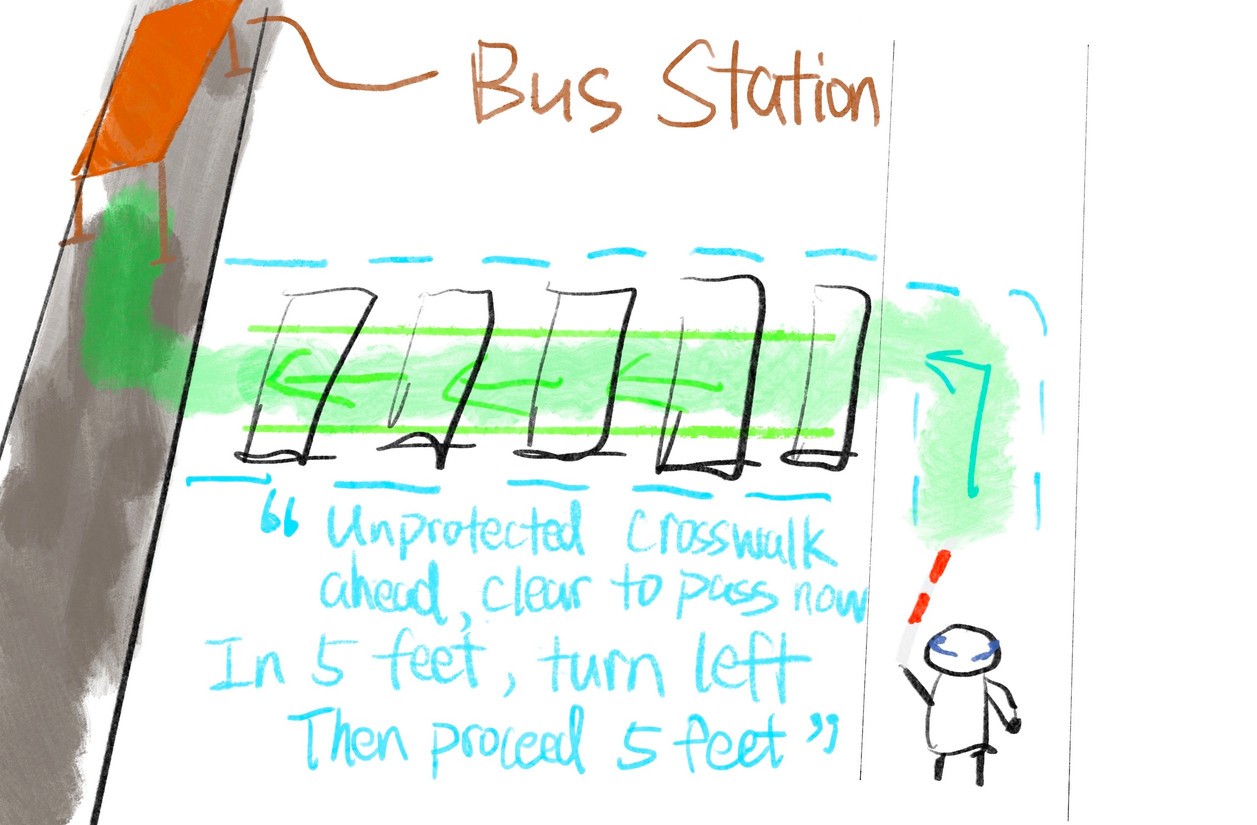
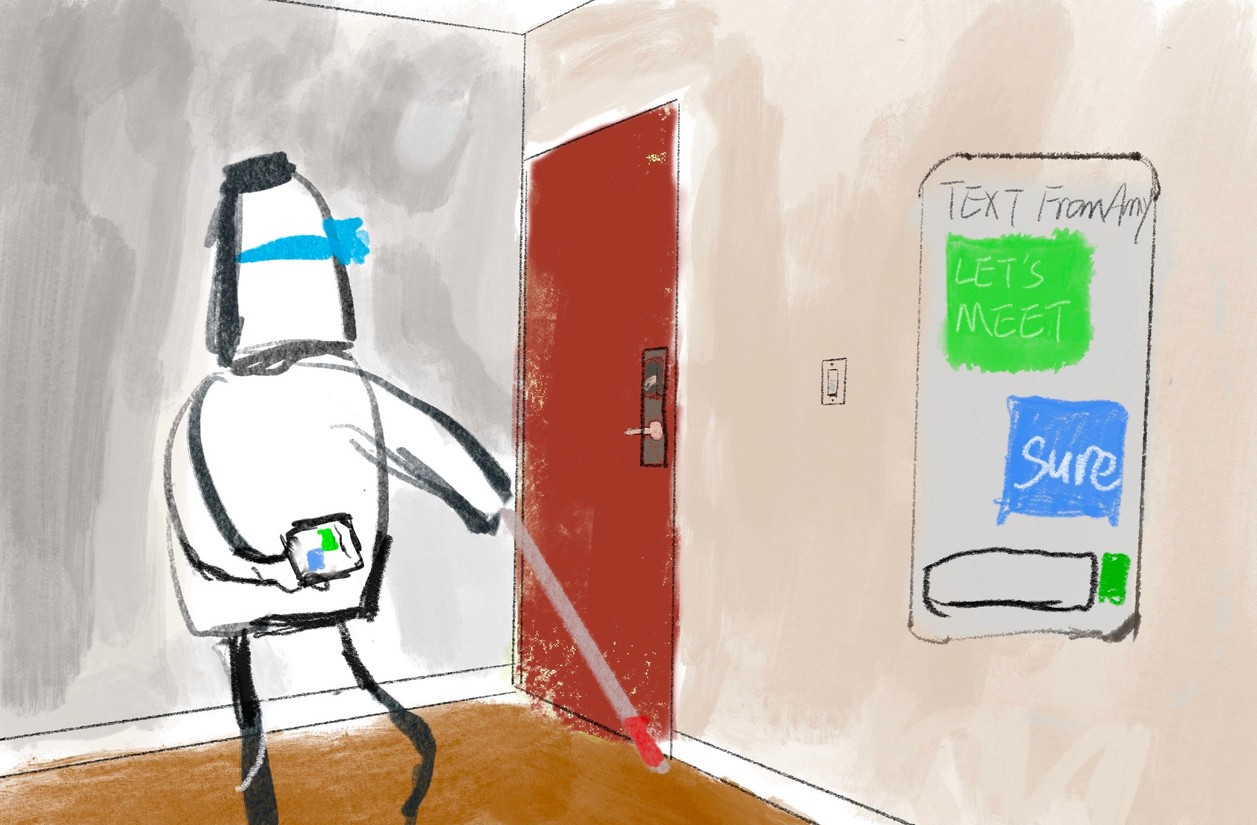
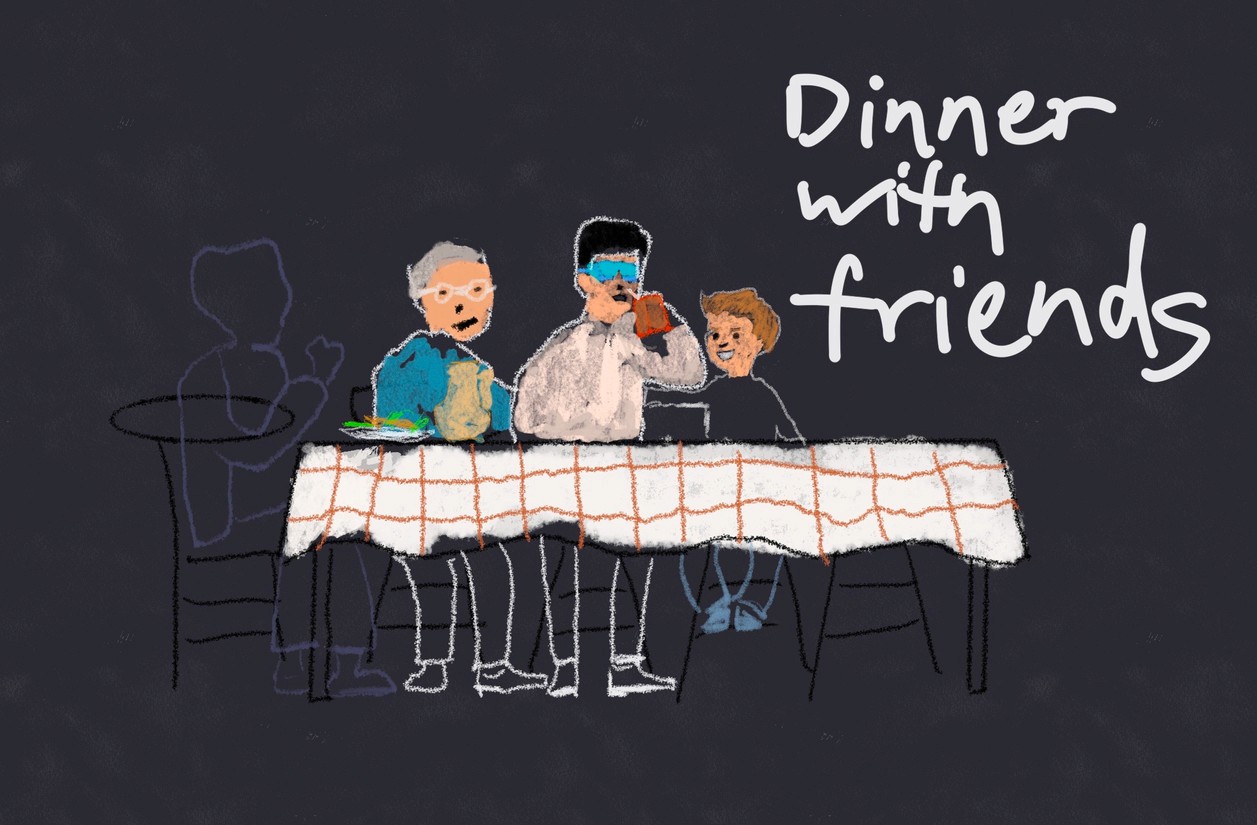
How should users interact with our design?
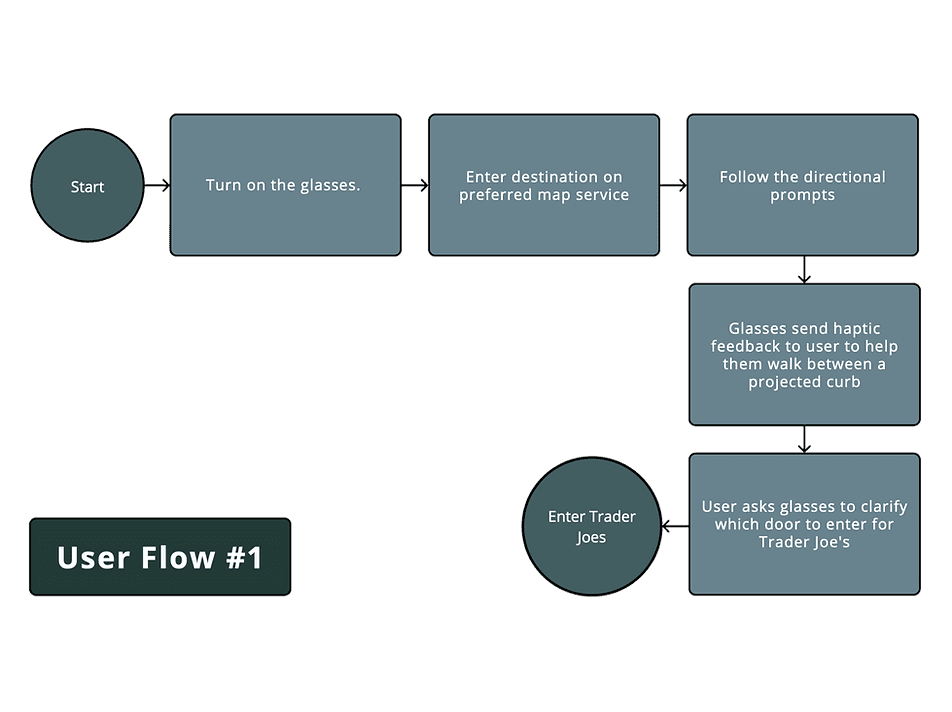
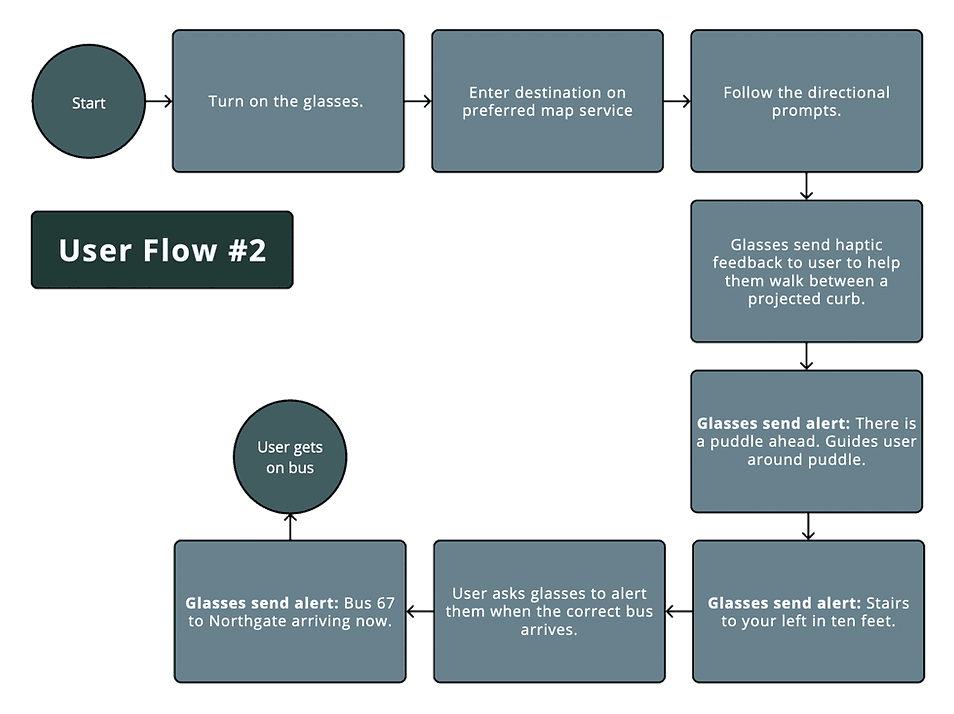
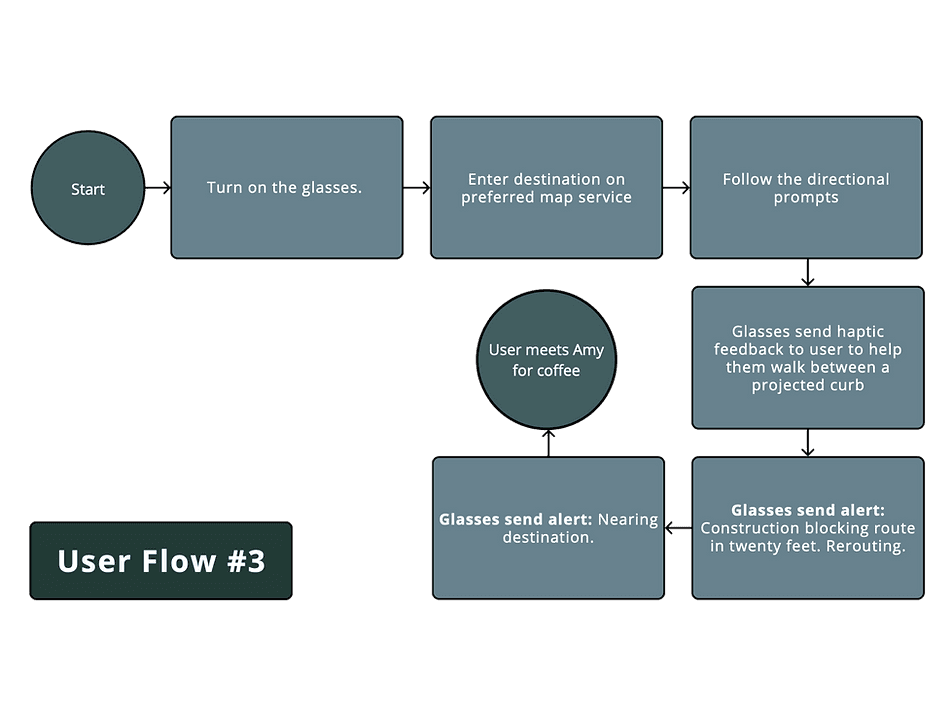
no $$$, no emerging tech, under a tight timeline
How did I prototype a future-technology MVP?
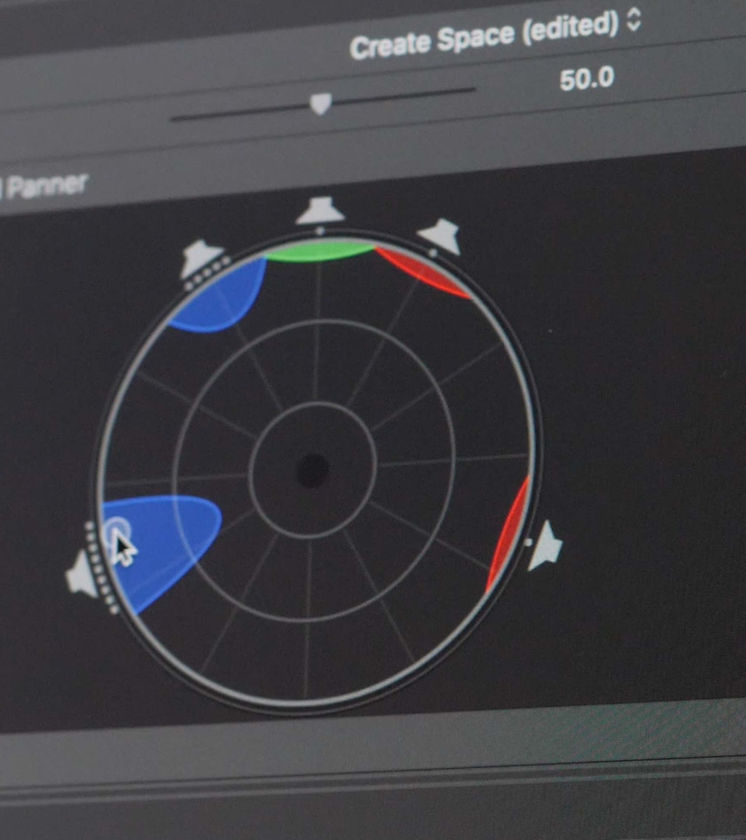
Spatial Audio Mapping + Haptics Simulation
I used audio editing software to map out and adjust the spatial stereo-auditory feedback that includes the simulation of haptic signals.
By using spatial audio mapping, test participants can fairly accurately identify the direction & distance of an event relative to their real-time position. The sound’s loudness and frequency adjust in response to the user’s movement, and once they move past the event, they receive immediate feedback to confirm their progress.
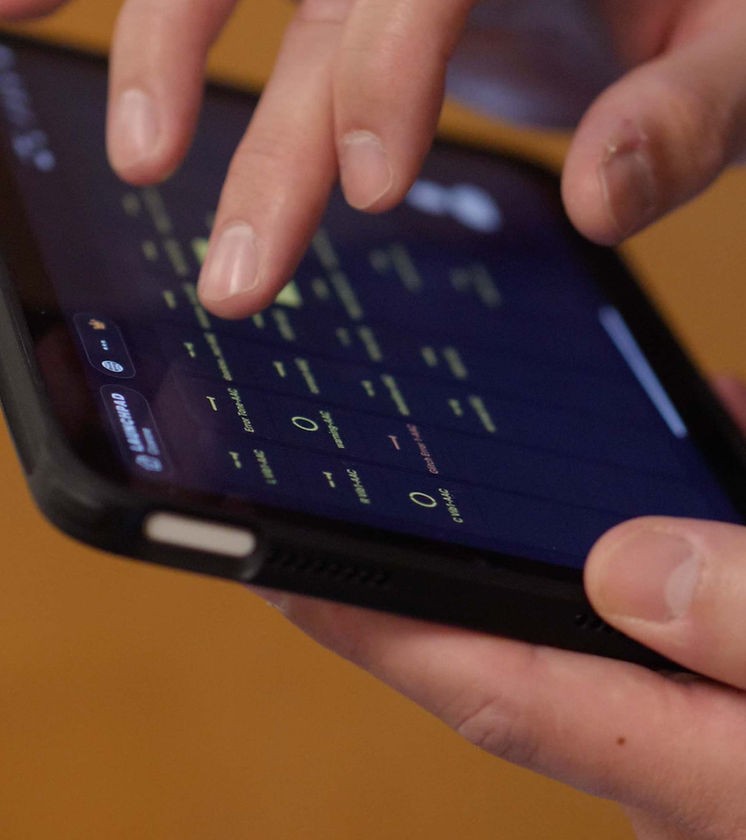
MIDI Controller as Remote Control Interface
I exported audio and haptic patterns to an iPad MIDI Controller app, “Launchpad”, and customized the cue attributes such as loudness, stereo channel, and surrounding effects to fit testing participants’ preferences.
All the sounds live on the Launchpad interface for different tasks, and the facilitator on the team will cue corresponding auditory feedback when the user encounters obstacles during the test. When the facilitator cues the sound, the test participant will hear corresponding sound & haptic simulation.
Human acts as AI substitute
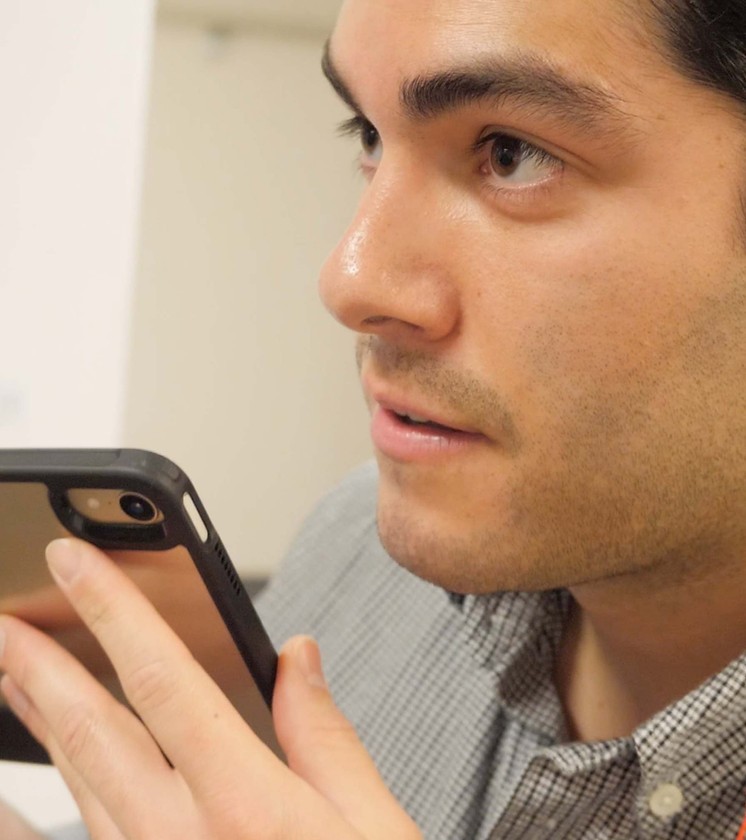
Due to the tech and time constraints, the team was unable to integrate a real-time AI assistant with LiDAR, so one of our team members is “disguised” as an AI to provide feedback through the bone-conduction headphone, supplementing the minimal haptic & auditory signals.
Bone-conduction headphone
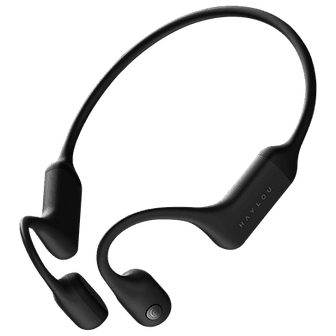
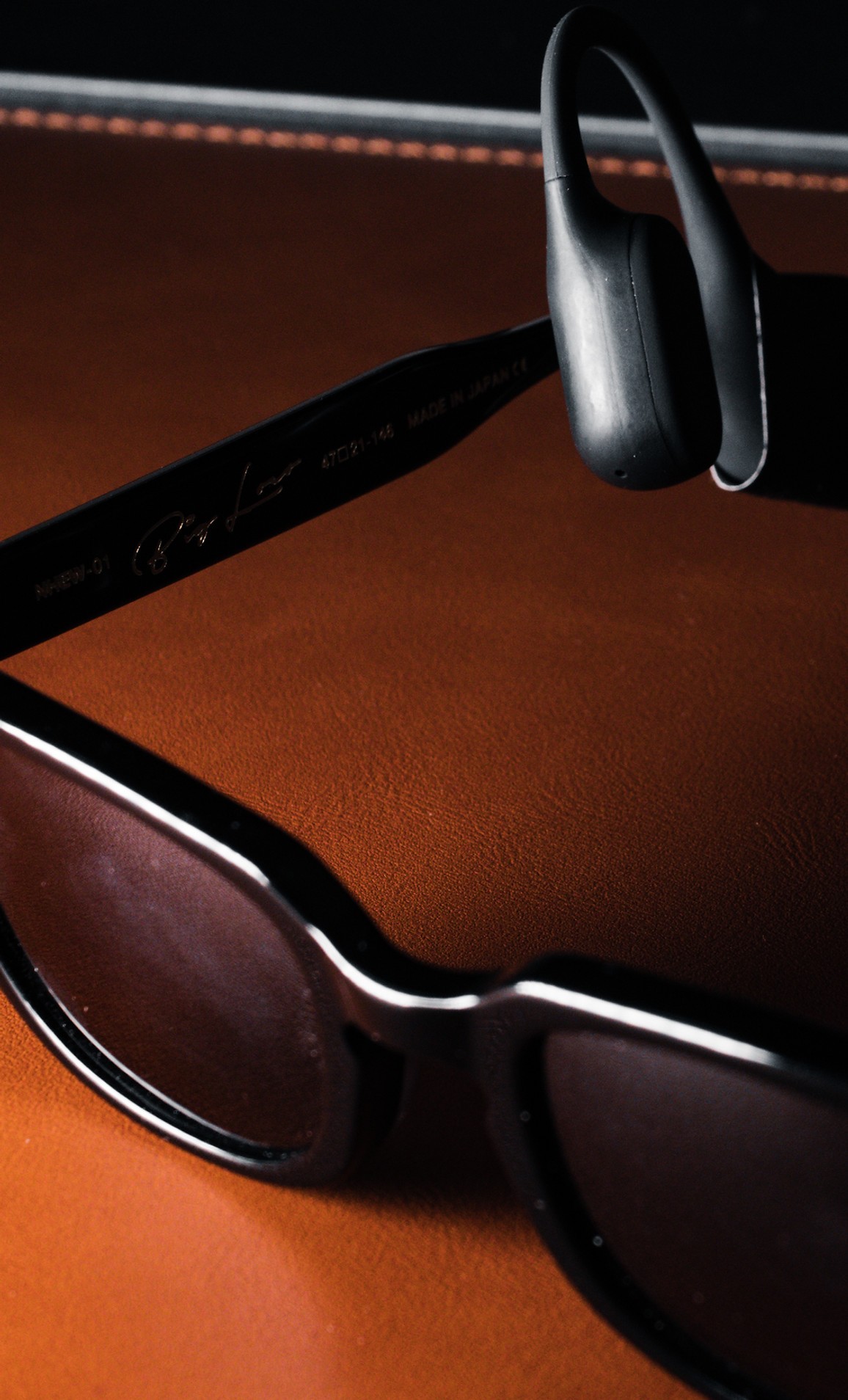
To achieve an experience closer to the intended design, I chose bone-conduction headphones in the prototype for sound transmission and haptic simulation, allowing users to communicate with the product during testing, while keeping both ears open to maintain a high level of environmental awareness. Bone conduction headphones use resonance to deliver sound—making them especially well-suited for the simulated haptic feedback built into the design.
A glance at Cicerone’s
“Wizard of Oz”
prototype
How did we make it work?
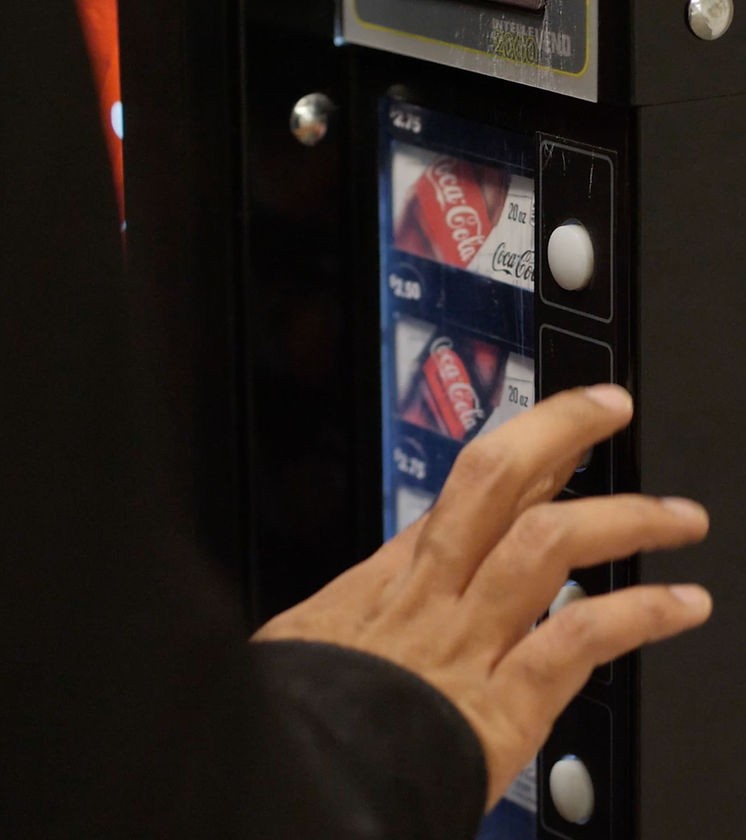
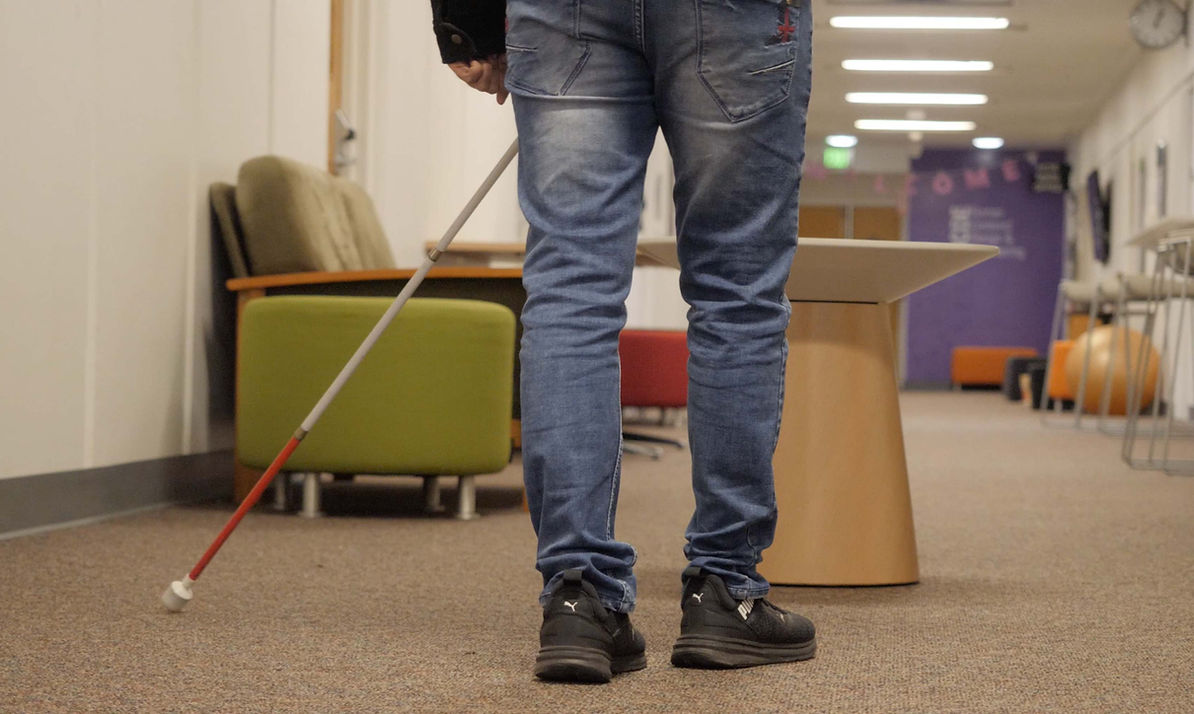
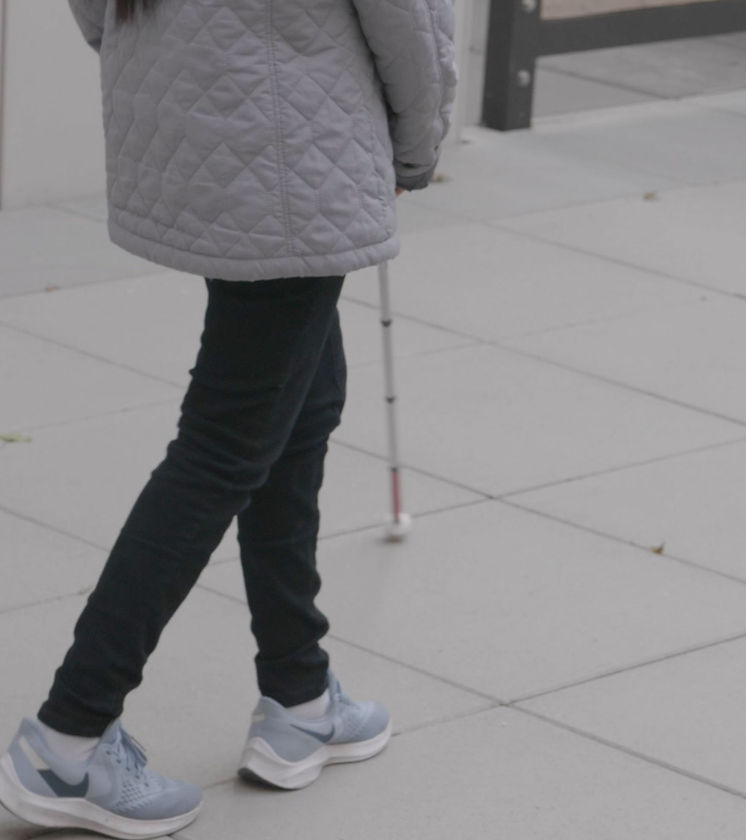
Indoor navigation in a hallway with a low-vision participant
Tasks:
Shoreline keep assist
Detour an obstacle on road
Text recognition: vending machine and door sign
Controlled outdoor navigation in an apartment courtyard with a blind participant
Tasks:
Turn-by-turn guidance in an unfamiliar and complex environment
Emergency hazard alert
Description of human beings and objects
Public transit simulation
Virtual shoreline guidance in a wide-open space with lane departure alert
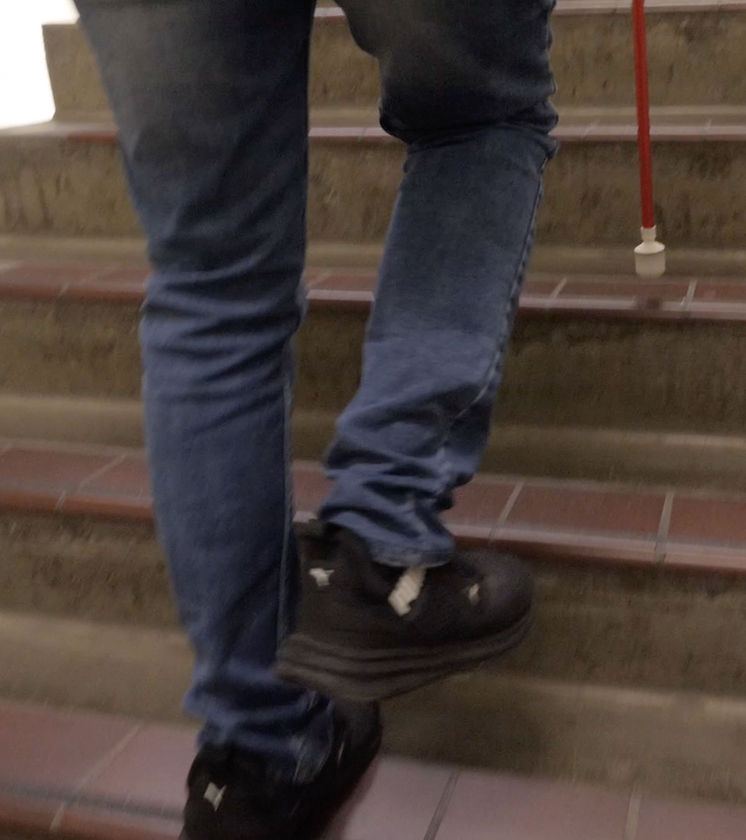
Semi-controlled indoor multiple-level navigation with a blind individual
Tasks:
Stairs guidance
Door knob locating assistance
Object detection
Detour obstacles
Door sign and keypad lock assistance
What do the usability tests tell us?
The team iterated on the product based on all the feedback received, and tested it with the same group of participants again in a different environment.

“I think there was a drastic difference between your first version and the latest version, it just make the experience so much more smoother.”
“I cannot wait to have this device if it is available on the market. I can put myself on ‘autopilot’ mode with it and it definitely gives me a peace of mind when walking in a complex environment.”
—
Bridge the research insights and design more cohesively.
In the usability test, test more scenarios and add more challenging tasks.
Research the differences between low-vision, visually impaired, and blind users’ usage patterns.
Keep engaging with study participants to understand their daily lives more in-depth.
—
Due to time constraints, the team was not able to test the design’s efficiency in more complex, real-world situations where users might have trouble hearing certain feedback.
The haptics in the prototype are simulated with vibrating sound transmitted through bone conduction, so the team is unsure how users might react differently to real haptic feedback.
All the “AI” features in the prototype remained “Wizard of Oz” (human-acting AI) when the study was conducted in late 2022. Given the rapid development of real AI with visual recognition since 2024, the team is excited to explore how it could be applied in accessibility contexts like Cicerone.
made in Seattle with ❤️